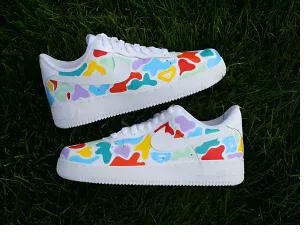
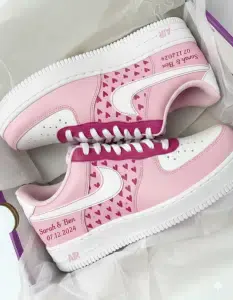
To brief a custom shoe: (1) base color, (2) main design element, (3) any text + placement, (4) reference image, (5) model + size. That's it. No terminology needed — the free mock-up at StyleReels.us/design-request/ shows the interpretation before production begins.
The 5-Step Brief — Everything an Artist Needs
The primary color the shoe body is painted — the canvas everything else sits on. This is the single most important decision in the brief. If you're unsure, name the color you already wear most. Black, white, cream, navy, red, purple — one word is enough.
Example: "All black" · "White base" · "Navy blue" · "Cream / off-white"Character, team colors, pattern, abstract, or just a name — pick one direction. You don't need to describe every detail; the artist interprets and shows you the mock-up. One clear direction is more useful than a long description with competing ideas.
Example: "Naruto character" · "Lakers colors" · "Floral roses" · "Drip design" · "Just my name, nothing else"Exactly what the words are and where they go — side panel, heel tab, or midsole edge. You don't need to know design terms: "on the side," "on the back," and "along the bottom edge" are all clear placements. Spell names exactly as they should appear.
Example: "My name 'Jordan' on the side in script" · "'Class of 2026' on the bottom edge" · "Number 23 on the back"A screenshot of a color you like, a character, a design you've seen, or a shoe that has the vibe you're after. One strong visual reference is more useful than three paragraphs of description. Attach it in the design request form.
Example: Screenshot from Google Images · A photo of their jersey · A screenshot of a color palette · An existing custom shoe they likeAF1 Low, AF1 High, Jordan 1 High, Jordan 1 Mid, or Jordan 1 Low — and the exact size. AF1s run slightly large; most people size down half a size. Customs cannot be exchanged, so confirm the size before submitting. See the full size guide if unsure.
Example: "AF1 Low, size 10" · "Jordan 1 High, women's size 8" · "AF1 Low, youth size 6Y"Real Brief Examples — What Works vs What Doesn't
"All black base, Goku in his orange gi on the side panel, 'Son' on the heel tab in gold, size 10 AF1 Low. Reference: [screenshot of Goku attached]"
"White base, floral roses in pink and cream, my name 'Sofia' on the side in script, women's size 7.5 AF1 Low. No other text."
"Navy blue with 'Marcus' in gold. Size 11. AF1 Low."
"Something cool in blue." → Add: which shade of blue, and any design element or name. "Royal blue, drip design, my name 'Alex' on the side. Size 9."
"I want Naruto but also drip and my name and school colors and flames and some gold..." → Choose the hero element. "Naruto character as the main design, school colors (red and black) as the base. My name on the side. Size 10."
Where Things Go — AF1 Placement in Plain Language
🗺️ Shoe Zones (No Terminology Required)
The large flat area on the side — the main canvas. Best for names, characters, and primary design elements.
The pull tab at the very back. Good for numbers, initials, short text, or a secondary detail.
The strip along the bottom between sole and upper. Good for dates, names, occasion text — subtle but permanent.
The rounded front of the shoe. Good for a single bold initial, a logo, or a small design element.
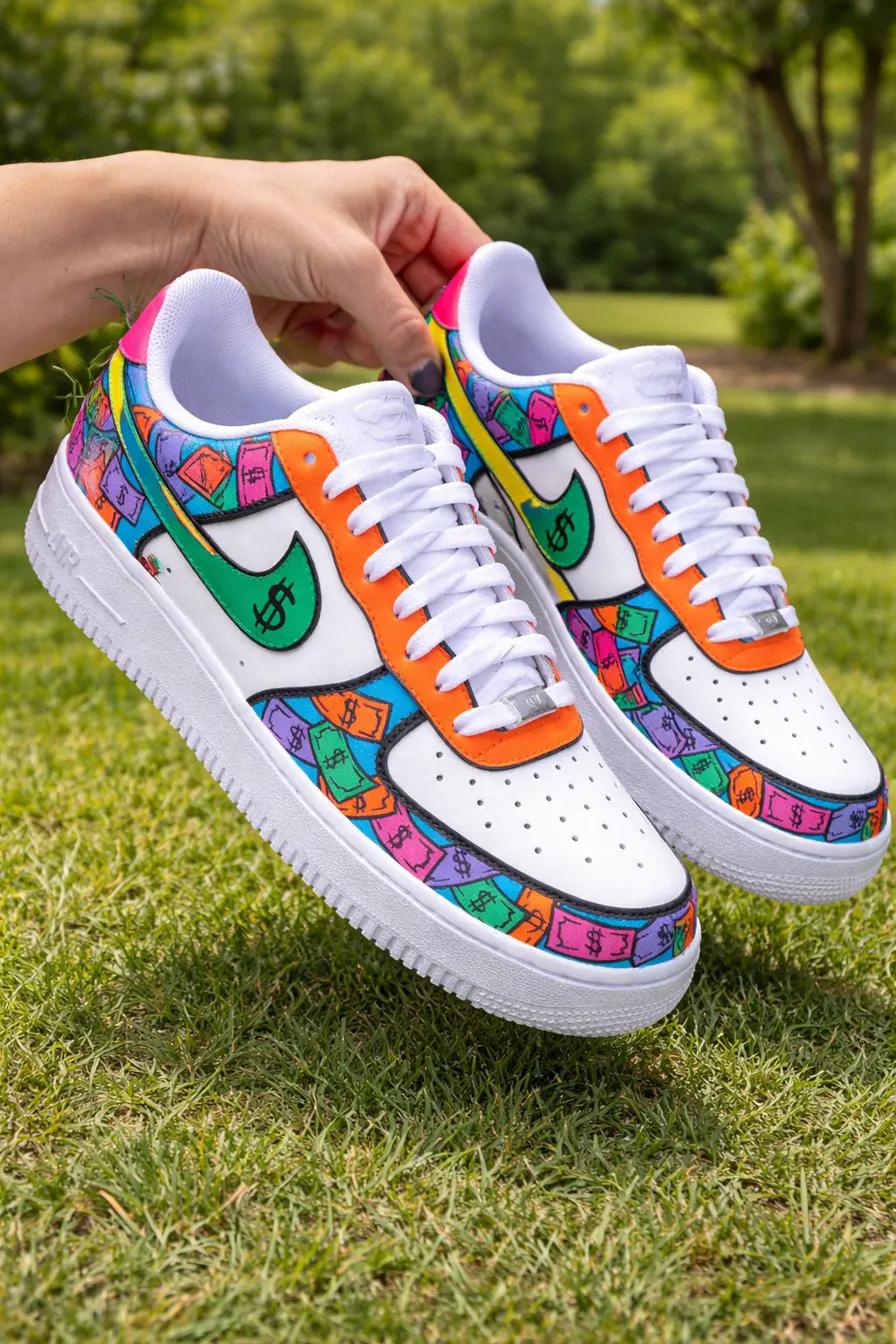
The mock-up step is where vague briefs get clarified — you see the interpretation before any paint touches the shoe.
The mock-up is your safety net. Submit the brief at StyleReels.us/design-request/ and receive a free digital mock-up in 48–72 hours. That's the moment to refine — adjust colors, move text, add or remove elements. Nothing is produced until you approve the mock-up. See also: how the process works, design your own guide, and how long customs take.